
As an Edmonton branding photographer, I always tell my clients: your brand photos should work for you, not against you.
Whether you're refreshing your website, planning social content, or creating new offers, your images are powerful marketing tools that should be used to their fullest potential.
Portrait (Vertical) Photos for Social Media
Best Uses for Vertical Brand Photography: Social Media & Mobile Content
Use vertical shots for:
- Reel Covers – Choose clean, centered shots
- Instagram Stories – Perfect for slides, polls, or tips
- Reels – Use photo clips for simple video content
- Pinterest Pins – Especially for blog links or product features
- Mobile Email Graphics – Eye-catching and easy to scroll
- Canva Templates – With white space for text overlay
TIP: Use open-space or blurred-background images for adding text. Lower the opacity if needed to make your text pop.
Landscape (Horizontal) Photos
Where to Use Horizontal Brand Photos on Your Website and More
Use horizontal shots for:
- Website Hero Images – Wide, impactful banners
- Website Backgrounds – With room for overlay text
- About Sections – Lifestyle or work-in-action shots
- Blog Headers – Clean, consistent visuals
- Email Banners
- YouTube Covers or Presentations
TIP: Choose photos with "negative space" on one side to keep text easy to read and well-balanced.
Creative Ways to Use Your Brand Photos
Smart Places to Reuse Your Brand Photos Across Your Business
- Profile Pictures – For Instagram, LinkedIn, Zoom, etc.
- Email Signatures – Add a personal touch
- Sales Pages & Lead Magnets – Create polished, branded designs
- Courses or Digital Products – For slide decks, thumbnails, banners
- Press Kits or Collaborations – Send a professional headshot instantly
- Printed Materials – Business cards, flyers, thank-you cards
Choosing High-Res vs. Web-Size Images
When to Use High-Resolution vs. Web-Optimized Brand Photos
High-Resolution Files (.jpg)
- Best for: Printing
- Use for: Business cards, flyers, packaging inserts, signs, or large prints
- Can slow down your website — avoid uploading high-res files to your website except for hero images and large sections
Web-Size Files (.jpg, smaller size)
- Best for: Online use (website, social media, email, Canva templates)
- Loads faster and keeps your site running smoothly
- Pro tip: Always upload web-size images to your website to avoid slow page speeds
Quick Tips to Get More from Your Brand Photography
How to Stay Consistent and Make the Most of Your Visual Content
- Rotate your images regularly — don’t use the same 2 everywhere!
- Use Canva to create graphics with branded fonts + colours
- Organize your photos by orientation or use (e.g. "Instagram," "Website," "Print")
- Be consistent — visually aligned brands build more trust
If you’re not sure which version to upload, ask Marissa, your Edmonton brand photographer for guidance.
Ready for your own intentional, stress-free brand shoot?
Book your Edmonton branding photography session here →

Reel covers www.functionalnutritionsolutions.ca

Ads www.burkecounselling.ca
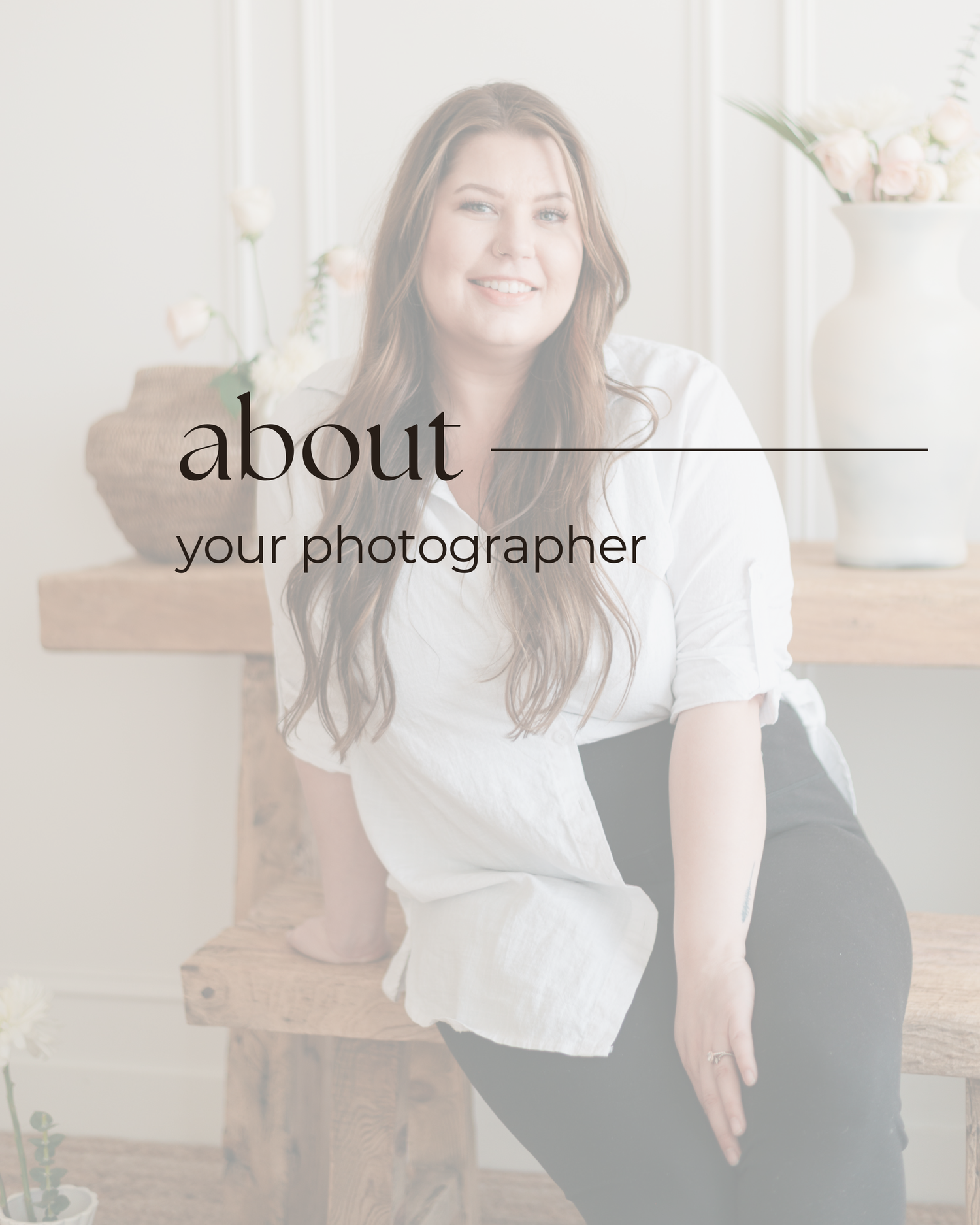
Backgrounds for carousel posts

Email signature
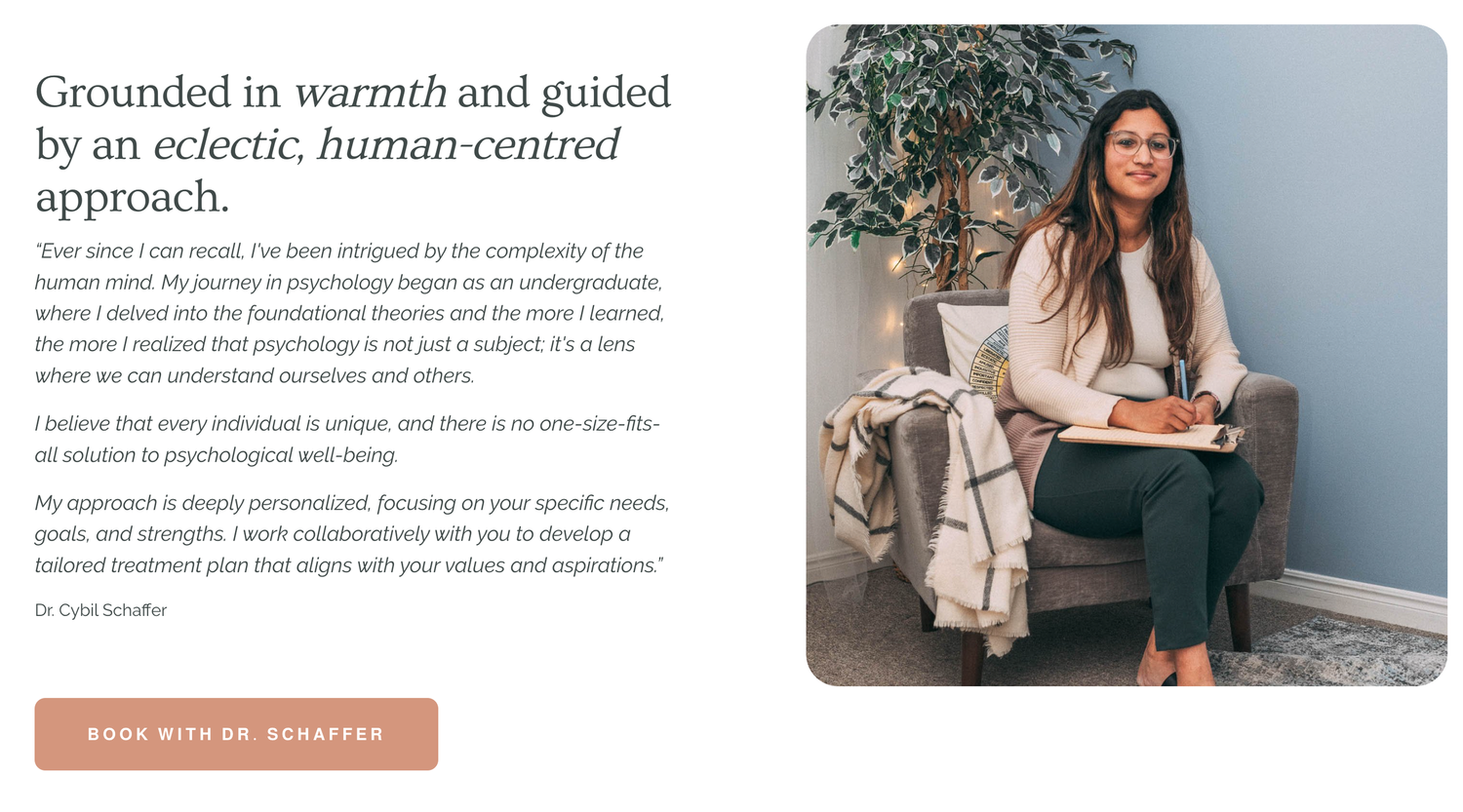
Website images www.schafferpsychology.ca
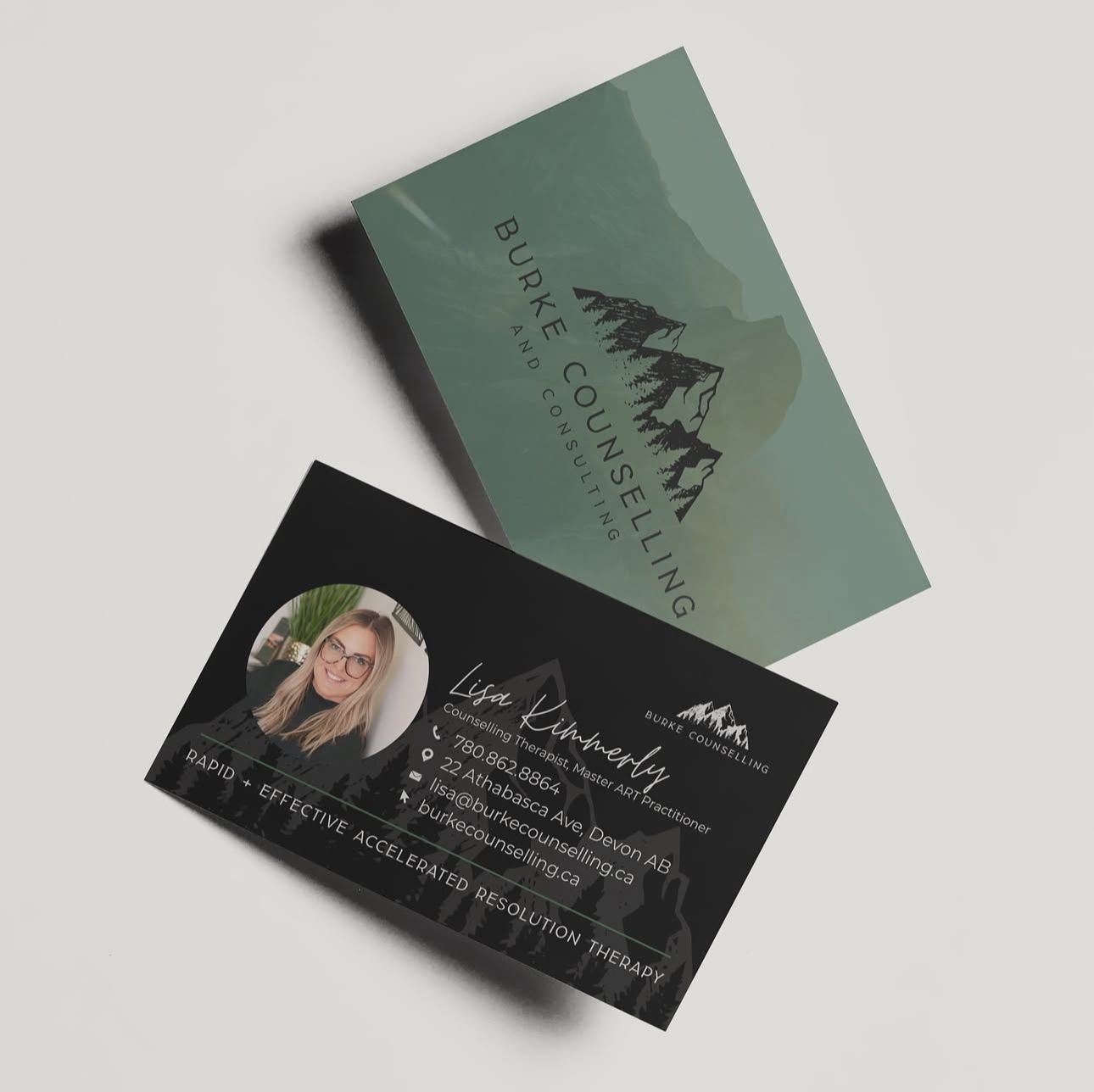
Designed by www.mkdesignbranding.ca